Skip to content

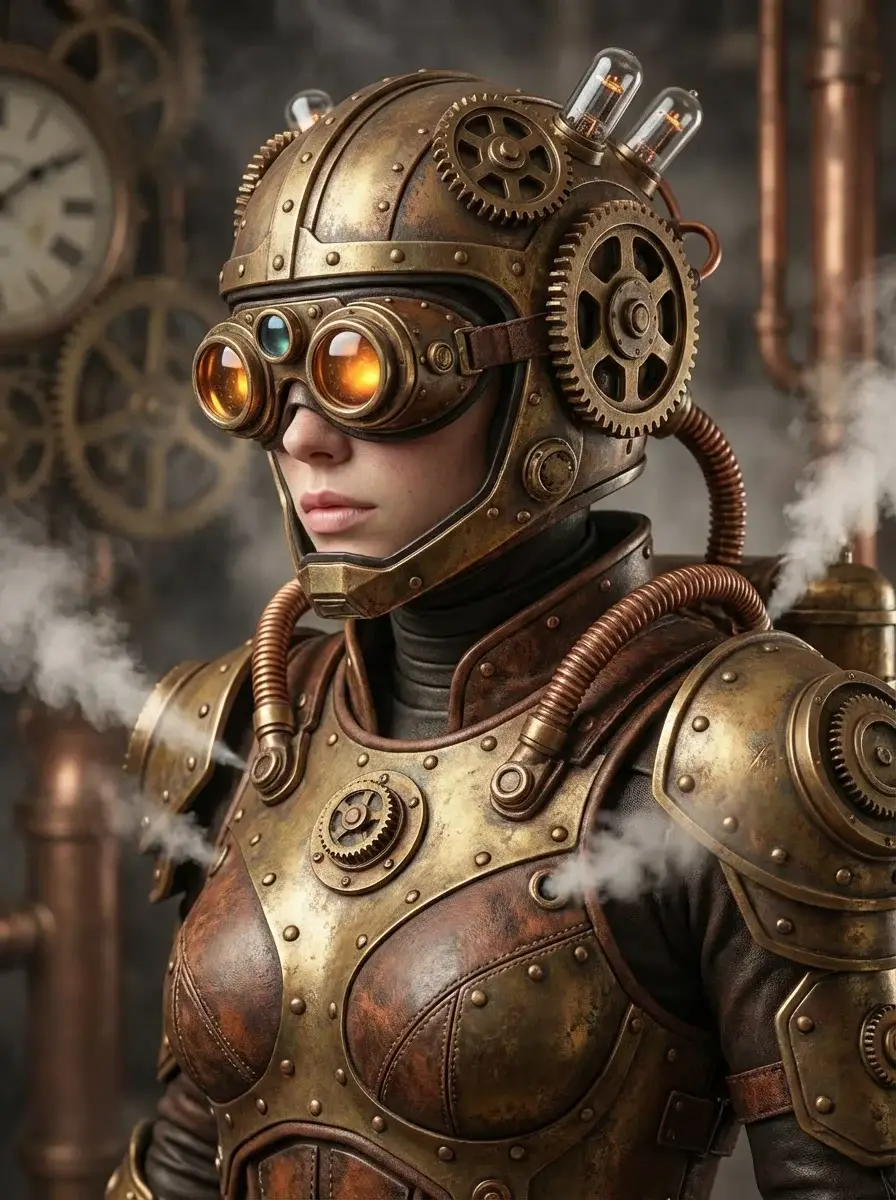
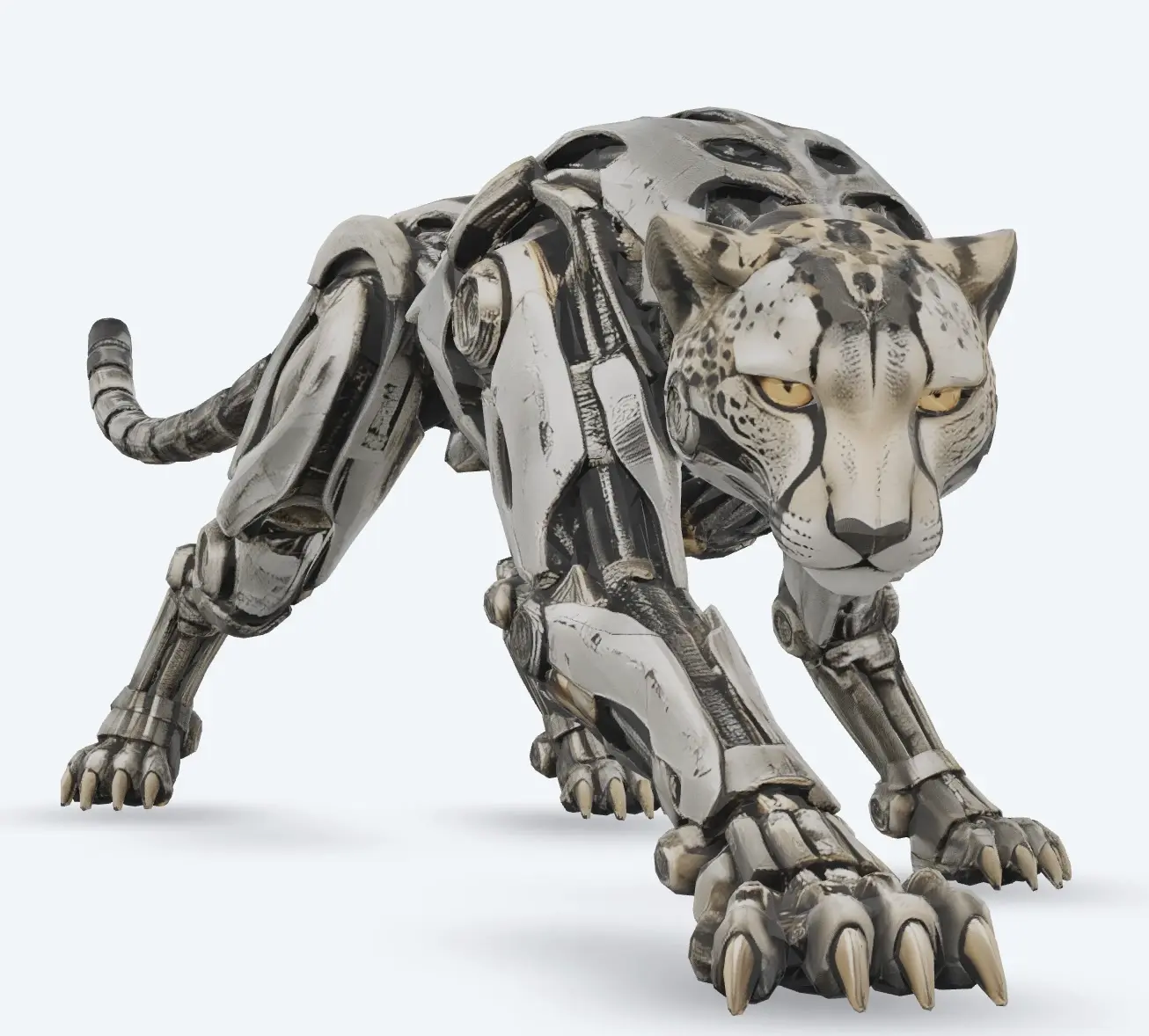
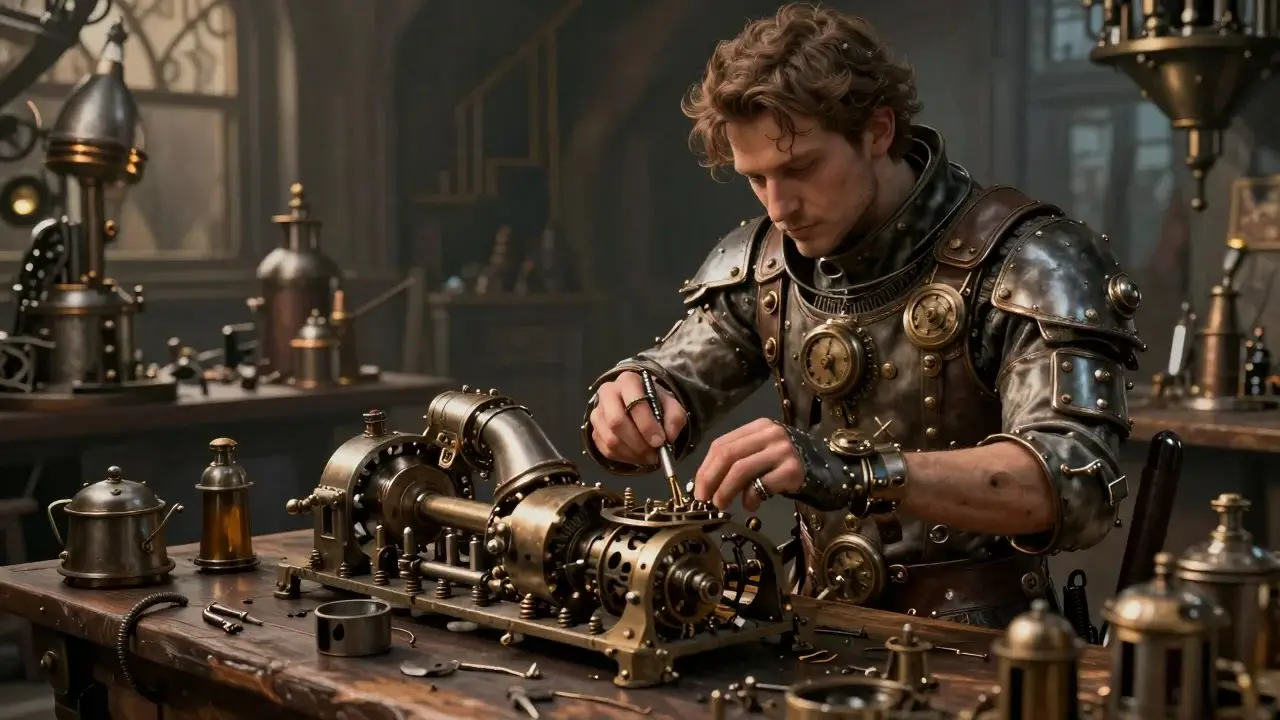
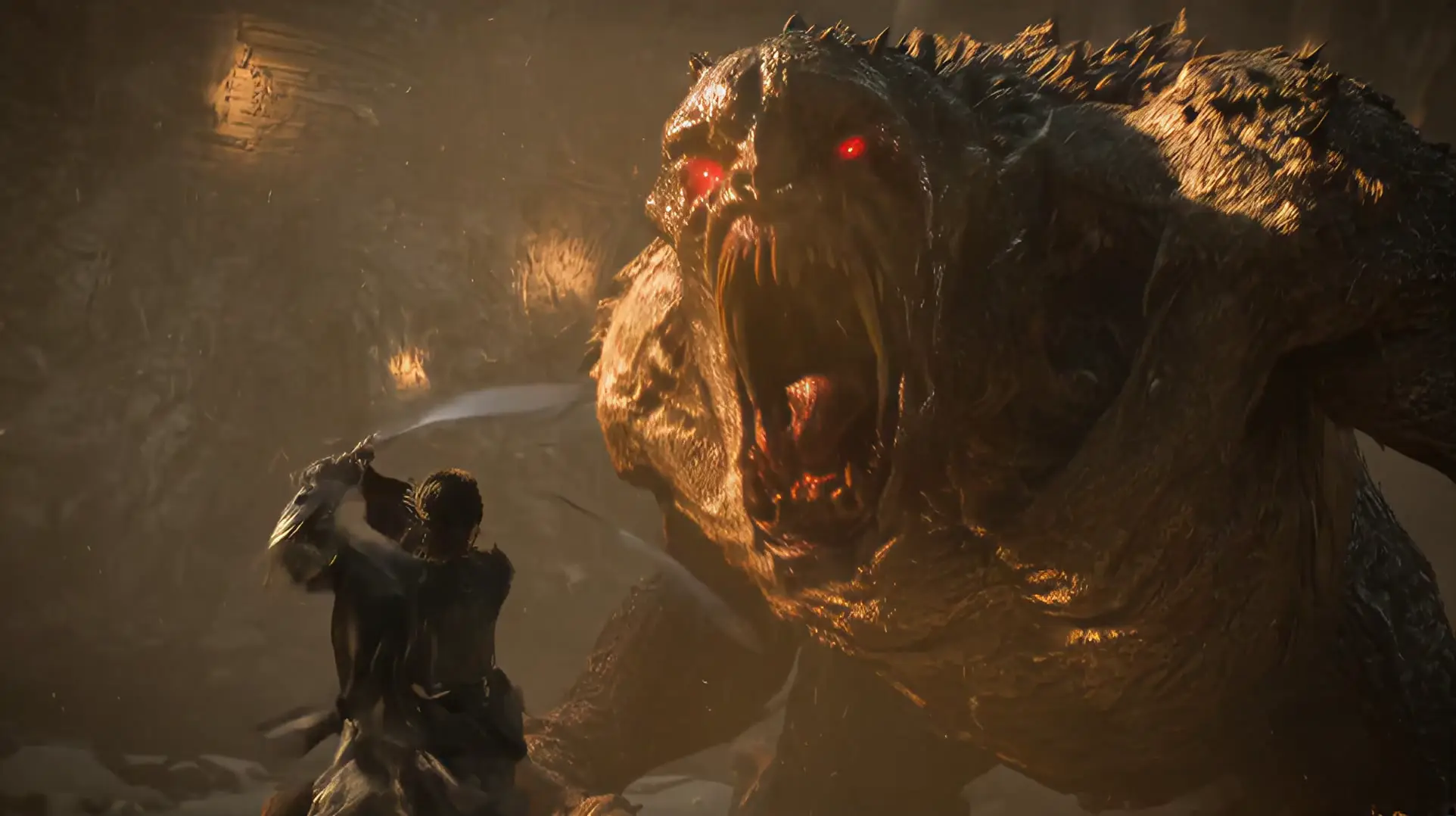
Type one sentence. The agent writes the prompt and picks a model.

Himg AI AI Image Agent

Your first image is free, no sign-up. Then 100 credits when you sign up, and more every day you check in. No card required.

+

60 seconds · 4 picks

See what it does best — then make yours with free credits

Free to start: sign up for credits, enough for images or a short video.

Pick a style below, or type your own sentence above.

01

AI Image Maker

AI Image Maker for Creative Visuals

Turn ideas into visual content with the Himg AI Image Maker. Enter a text prompt or upload a reference image, choose an AI model, and create artwork, realistic photos, product visuals, characters, illustrations, and other creative images. With multiple AI models available in one workspace, the AI Image Maker makes it easier to experiment with different generation styles without switching platforms.

  • Multiple AI models in one AI Image Maker workspace
  • Text-to-image and image-to-image workflows
  • Artwork, product visuals, characters, and illustrations
  • Experiment with Nano Banana, GPT Image, Seedream, and more
Open AI Image Maker
AI ImageAI Image
IdeaIdea
02

AI Photo Editor

AI Photo Editor for Fast Image Editing

Edit photos using natural-language instructions. Change backgrounds, objects, colors, lighting, styles, compositions, and other visual details with supported AI models.

  • Natural-language photo editing
  • Background, object, and style changes
  • Lighting and composition refinements
  • Works with supported AI image models
Edit Photos with AI
Edited ResultEdited Result
Original PhotoOriginal Photo
03

Text to Image AI

Turn Text into Images with AI

Describe the image you want to create and let AI turn your words into visual content. Create realistic photos, artwork, illustrations, product concepts, characters, and more from simple text prompts.

  • Text-based AI image creation
  • Realistic photos, artwork, and illustrations
  • Product concepts and character designs
  • Choose from multiple AI models
Create from Text
Generated ImageGenerated Image
PromptPrompt
04

Image to Image AI

Transform Images with AI

Upload an existing image and use it as a creative starting point. Change styles, backgrounds, environments, compositions, characters, products, and other visual elements while preserving important details.

  • Image-to-image transformation
  • Style, background, and scene changes
  • Preserve key subject details
  • Creative and professional visual workflows
Transform an Image
Transformed ImageTransformed Image
Source ImageSource Image

Create with an AI Image Maker

Explore different AI models for generation, editing, enhancement, and creative transformation. Choose the model that fits your workflow and create from text or existing images in one AI Image Maker workspace.

What is Himg AI?

Himg AI is a multi-model AI Image Maker for generating, editing, enhancing, and transforming images in one workspace.

Instead of relying on a single AI model, Himg AI gives users access to multiple models for different creative workflows, including text-to-image creation, image editing, image transformation, and enhancement.

The AI Image Maker supports a growing selection of models, including Nano Banana, GPT Image, Seedream, and other supported models.

One AI Image Maker, Multiple Models

Multiple AI Models

Explore different AI models and choose the right option for each creative workflow.

Create from Text

Turn written ideas into images using text-based AI image creation.

Edit Existing Images

Transform photos and visual content using natural-language editing instructions.

Enhance & Refine

Improve and refine generated or uploaded images with AI-powered image tools.

How to Create Images with the AI Image Maker

  1. 1. Choose an AI Model

    Choose an available AI model based on your creative task.

  2. 2. Enter a Prompt or Upload an Image

    Describe your idea with text or upload an existing image as a reference.

  3. 3. Create Your Image

    Adjust the available settings and create your image with the selected AI model.

  4. 4. Edit, Enhance or Try Another Model

    Refine the result, enhance the image, change your prompt, or experiment with another supported AI model.

Enhance Images with AI

Improve image quality and refine visual details with AI-powered enhancement tools. Enhance clarity, resolution, texture, and overall image appearance for creative and professional use.

  • AI Image Upscaler
  • AI Photo Enhancer
  • Image Enhancement
Enhance an Image

Featured AI Image Workflows

AI photo editing example with Nano Banana on Himg AI
01

Nano Banana AI Photo Editor

Edit photos with natural-language instructions using Nano Banana. Change backgrounds, outfits, lighting, and styles while keeping subject consistency for portraits, products, and creative projects.

Ideal for e-commerce shots, social portraits, and marketing visuals when you need flexible AI photo editing without complex design software.

AI Photo Editor
AI image enhancement example on Himg AI
02

AI Image Upscaler

Enhance image clarity and detail with AI image upscaling. Improve resolution, texture, and overall appearance for creative and professional use.

Use AI image enhancement when you need sharper output from generated images or uploaded photos.

AI Image Enhancer
AI background remover example on Himg AI
03

AI Background Remover

Remove image backgrounds automatically for clean product cutouts, portraits, and design assets.

A practical AI image tool for creators who need fast background cleanup before editing or compositing.

AI Background Remover
AI Image Maker text-to-image example on Himg AI
04

Text to Image AI

Turn written prompts into images with multiple AI models. Create artwork, realistic photos, characters, and product concepts from text.

Start in the AI Image Maker workspace and choose the model that fits your creative direction.

Text to Image

Testimonials

Loved by Creators Worldwide

Creators use the Himg AI Image Maker for photo editing and multi-model visual workflows

“Having multiple AI models in one AI Image Maker workspace makes it easier to compare styles for marketing visuals. I can go from text prompt to polished image without jumping between tools.”

SC
Sarah ChenDigital Marketing Specialist@sarah_creates

“The photo editing workflow is practical. I upload a product shot, describe the change I want, and refine the result with another model when needed.”

MR
Mike RodriguezContent Creator@mike_visuals

“I use Himg AI for text-to-image and image-to-image work. Switching between Nano Banana, Seedream, and other models helps me find the right look faster.”

ET
Emma ThompsonGraphic Designer@emma_designs

Why creators choose Himg AI

Why Choose the Himg AI Image Maker

Multi-ModelModel Choice
Text + ImageCreation Workflows
Edit + EnhancePhoto Tools

Create images, edit photos, and enhance visuals with the AI Image Maker in one place.

AI Image Maker Examples

Explore creative visuals made with the AI Image Maker

Frequently Asked Questions

What is Himg AI?

Himg AI is a multi-model AI Image Maker for generating, editing, enhancing, and transforming images.

What can I create with Himg AI?

You can create AI-generated images from text prompts, transform existing images, edit photos, enhance visual content, and experiment with different supported AI models in the AI Image Maker.

Which AI image models are available on Himg AI?

Himg AI supports multiple AI models. Available models may include Nano Banana, GPT Image, Seedream, and other supported image generation and editing models.

Can I edit photos with Himg AI?

Yes. Supported AI models and image tools can be used to modify backgrounds, objects, styles, colors, compositions, and other visual details.

Can I generate images from text?

Yes. The AI Image Maker supports text-based image creation, allowing users to describe an image with a prompt and generate visual content with supported AI models.

Can I transform an existing image?

Yes. Image-to-image workflows let you use an existing image as a reference or starting point for AI-powered transformations.

What is a multi-model AI Image Maker?

A multi-model AI Image Maker provides access to different AI models in one workspace, allowing users to choose models based on their generation, editing, or enhancement needs.

Ready to create?

Start Creating with the AI Image Maker

Start with text or an existing photo, choose an AI model, and build your next visual in one AI Image Maker workspace.

Explore Nano Banana, GPT Image, Seedream, and more.