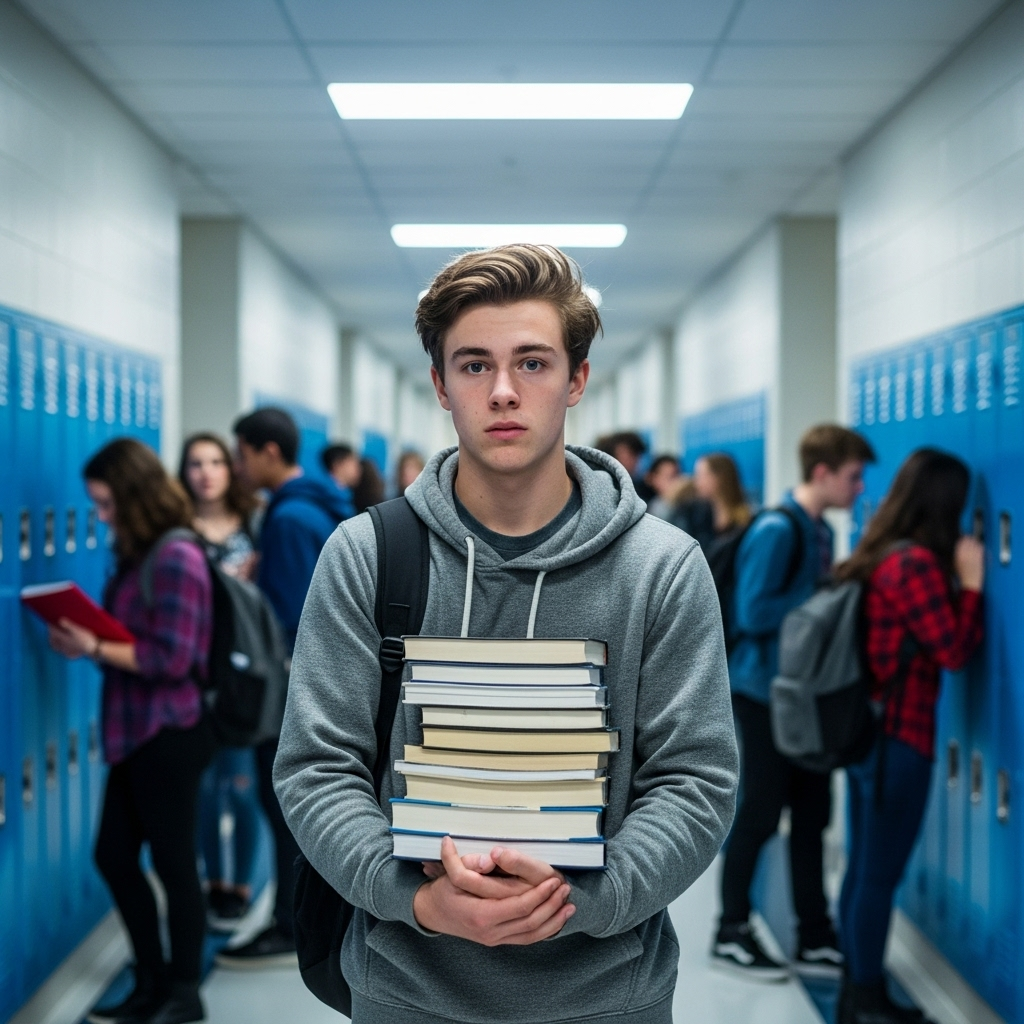
Describe the image you want to create, choose an AI model, and turn your text prompt into visual content. Create realistic photos, artwork, product visuals, illustrations, characters, and more directly from text.
What Is Text to Image AI?
Text to image AI is a type of generative AI that creates visual content from written descriptions. A user enters a text prompt describing the subject, style, composition, lighting, colors, or other visual details, and an AI image model generates an image based on those instructions. On Himg AI, you can use text-to-image workflows with multiple supported AI image models, allowing you to compare different models and create images for photography, illustration, product concepts, marketing, characters, artwork, and other visual projects. Text-to-image starts primarily from a written description, while Image to Image starts from an existing image and uses it as the visual reference for a new result.
Create Images from Detailed Text Prompts
Describe the subject, environment, visual style, composition, lighting, camera angle, colors, and other details you want to see. The selected AI model interprets your prompt and generates an image based on those instructions.
Explore Different Visual Styles
Use text prompts to explore realistic photography, illustrations, anime-inspired visuals, concept art, product scenes, 3D-style imagery, editorial compositions, and other supported visual directions. You can also try Nano Banana AI for supported editing workflows after generating a base image.
Generate Visual Concepts Faster
Turn written ideas into visual drafts for creative exploration, marketing concepts, product ideas, social content, presentations, storyboards, and other visual workflows. Generate images quickly for creative exploration, concept development, and visual experimentation.
Refine Your Results with Better Prompts
Adjust your prompt to change the subject, style, lighting, composition, colors, environment, or visual mood. Small prompt changes can help you explore different creative directions without rebuilding the idea from scratch. Continue transforming results with Image to Image when you want to edit from an existing image.
Choose an AI Model for Text to Image
Different AI image models can produce different visual styles, levels of detail, prompt interpretation, and generation results. Choose an available model based on the type of image you want to create. Browse the full list on AI Models.
Nano Banana
Use supported Nano Banana models for compatible text-to-image generation and creative workflows. Dedicated editing workflows are also available on Nano Banana AI.
Available Models
Nano Banana 2
Next-generation Nano Banana model for supported multi-resolution image generation workflows.
Nano Banana 2 Lite
A faster, lower-cost option for quick drafts and creative experimentation.
Nano Banana Pro
A higher-resolution Nano Banana option for more detailed generation and editing workflows.
Nano Banana
A balanced Nano Banana model for everyday text-to-image creation.
Seedream
Use Seedream for supported text-to-image workflows that benefit from detailed visual generation and strong prompt interpretation.
Available Models
Seedream 5.0 Pro
A higher-capacity Seedream option for detailed text-to-image generation.
Seedream 5.0 Lite
A lighter Seedream option for faster creative exploration.
Seedream 4.0
A Seedream model for everyday text-to-image generation and concept drafts.
GPT Image
Use available GPT Image models for natural-language prompt interpretation and creative image generation.
Available Models
GPT Image 2
A GPT Image model for supported text-to-image creation workflows.
GPT-4o Image
A GPT-4o image option for prompt-based visual generation.
FLUX
Use available FLUX models for fast image generation, creative experimentation, and concept exploration.
Available Models
FLUX Schnell
A fast FLUX option for quick drafts and brainstorming.
FLUX Dev
A FLUX option oriented toward higher-detail creative generation.
Flux Kontext Pro
A Kontext-family FLUX option for supported image workflows.
Flux Kontext Max
A higher-capacity Kontext option for supported creative tasks.
Grok
Use Grok Imagine Image for supported text-to-image creative workflows.
Available Models
Grok Imagine Image
An image generation model for prompt-based visual creation.
What Can You Create with Text to Image AI?
Realistic Photos
Create photo-inspired visuals by describing the subject, environment, lighting, camera style, composition, and mood.
Product Visuals
Generate product concepts, studio scenes, advertising ideas, packaging concepts, and e-commerce-inspired visuals from text prompts.
Illustrations & Artwork
Create illustrations, concept art, stylized artwork, fantasy scenes, and other creative visual directions.
Characters
Describe characters, clothing, environments, poses, visual styles, and other creative details directly in your prompt.
Marketing Visuals
Generate visual concepts for advertisements, landing pages, social media, campaigns, presentations, and other marketing projects.
Concept Design
Turn early-stage ideas into visual concepts for environments, products, characters, scenes, and creative projects.
How to Write a Text to Image Prompt
A useful text-to-image prompt clearly describes the visual result you want. Include the most important details first, then add style, environment, composition, lighting, and other visual instructions when needed.
Text to Image Prompt Formula
Subject+
Action+
Environment+
Style+
Composition+
Lighting+
Details
Example Prompt Built from the Formula
Subject: A premium perfume bottle
Action: Product showcase
Environment: Minimal luxury studio
Style: High-end commercial product photography
Composition: Centered composition with negative space
A premium perfume bottle in a minimal luxury studio, high-end commercial product photography, centered composition with negative space, soft directional studio lighting, realistic glass reflections, subtle shadows, and detailed texture.
Tips for Better Text to Image Results
Describe the Main Subject Clearly
Start with the most important person, object, product, character, or scene you want the model to create.
Add a Visual Style
Describe the visual direction when it matters, such as realistic photography, illustration, anime, cinematic, watercolor, 3D, or commercial product photography.
Describe Lighting
Use lighting terms such as soft studio lighting, natural daylight, golden-hour lighting, dramatic cinematic lighting, or other relevant directions.
Control Composition
Describe framing, camera angle, perspective, subject placement, or negative space when composition is important.
Refine Instead of Rewriting Everything
After reviewing a result, adjust only the parts of the prompt you want to change. This makes it easier to explore different creative directions.
How to Generate Images from Text
1
1. Choose an AI Image Model
Select an available AI model based on the type of image you want to create.
2
2. Write Your Text Prompt
Describe the subject, environment, style, composition, lighting, and important visual details.
3
3. Choose an Aspect Ratio
Select an aspect ratio that fits your intended image format or use case.
4
4. Generate Your Image
Click Generate and let the selected model turn your text prompt into an image.
5
5. Refine Your Prompt
Adjust the wording, style, lighting, composition, or other details to explore another result.
6
6. Download Your Image
Download the result when you are satisfied with the generated image.
Why Use Text to Image on Himg AI?
Multiple AI Models
Choose from supported AI image models and experiment with different approaches to text-based image generation.
Prompt-Based Creation
Create images by describing the subject, style, environment, lighting, composition, and other visual details in natural language.
Flexible Aspect Ratios
Choose an available aspect ratio based on the format you want to create.
Creative Exploration
Generate different visual directions by adjusting your prompt, model, composition, or style.
Image Refinement
Continue refining generated results through supported image-to-image and image editing workflows.
Text to Image Examples
Artistic Styles
Transform images into art styles
Convert photos and designs into various artistic styles like pencil sketches, paintings, and illustrations with natural textures.
Frequently Asked Questions About Text to Image AI
Answers about text to image AI, prompts, models, and generating images from text on Himg AI.
What is text to image AI?
+
Text to image AI uses generative AI models to create visual content from written prompts. A prompt can describe the subject, style, environment, composition, lighting, colors, and other details the user wants to see.
How do I generate an image from text?
+
Enter a text prompt describing the image you want, choose an available AI model and aspect ratio, then start the generation. You can refine the result by adjusting your prompt and generating another variation.
What should I include in a text to image prompt?
+
Start with the main subject and add relevant details such as the environment, visual style, composition, lighting, colors, camera angle, and other elements that matter to the final image.
Which AI models can I use for text to image on Himg AI?
+
Himg AI supports multiple AI image models for text-to-image generation. The available model list may change as models are added, updated, or removed, so users should refer to the model selector for the current options.
Can text to image AI create realistic photos?
+
Supported AI image models can generate photo-inspired and photorealistic visual styles when prompts clearly describe the subject, environment, lighting, composition, and photographic direction. Results vary by model and prompt.
Can I create product images from text?
+
Text-to-image workflows can be used to create product concepts, advertising scenes, studio-style visuals, packaging ideas, and other product-focused creative content.
Can I edit an image after generating it?
+
Yes. You can refine the prompt to create another version or use supported image-to-image and image editing tools to continue transforming the result.
Do I need design skills to generate images from text?
+
No advanced design skills are required to start. Describe the image you want in natural language, then refine your prompt based on the generated result.
Can I use AI-generated images commercially?
+
Commercial usage and ownership considerations can depend on the selected model, Himg AI terms, applicable provider terms, the generated content, and local laws. Review the current Terms of Service before using generated images commercially.
Are text-to-image generations free?
+
Himg AI may provide free credits or trial access for eligible users. Generation costs depend on the selected model and current pricing. Check the generator and pricing page for current credit requirements.